New
License Manager
|
Laravel PHP Licenser & Updates Manager - REST API, webhooks, customer portal

Paymob Payment Gateway
Plugin
by Ishtiaq Ahmed
•
(1)
Paymob payment gateway integration for secure online payments
$35.00
$50.00
Paymob Payment Gateway for Botble
Paymob payment gateway integration for Botble Ecommerce checkout.
Compatible Botble Version
- Botble CMS
7.3.0 - Required Botble plugin:
botble/payment
PHP Version Requirement
- PHP
^8.2 | ^8.3 - Required PHP extensions:
curljson
Features
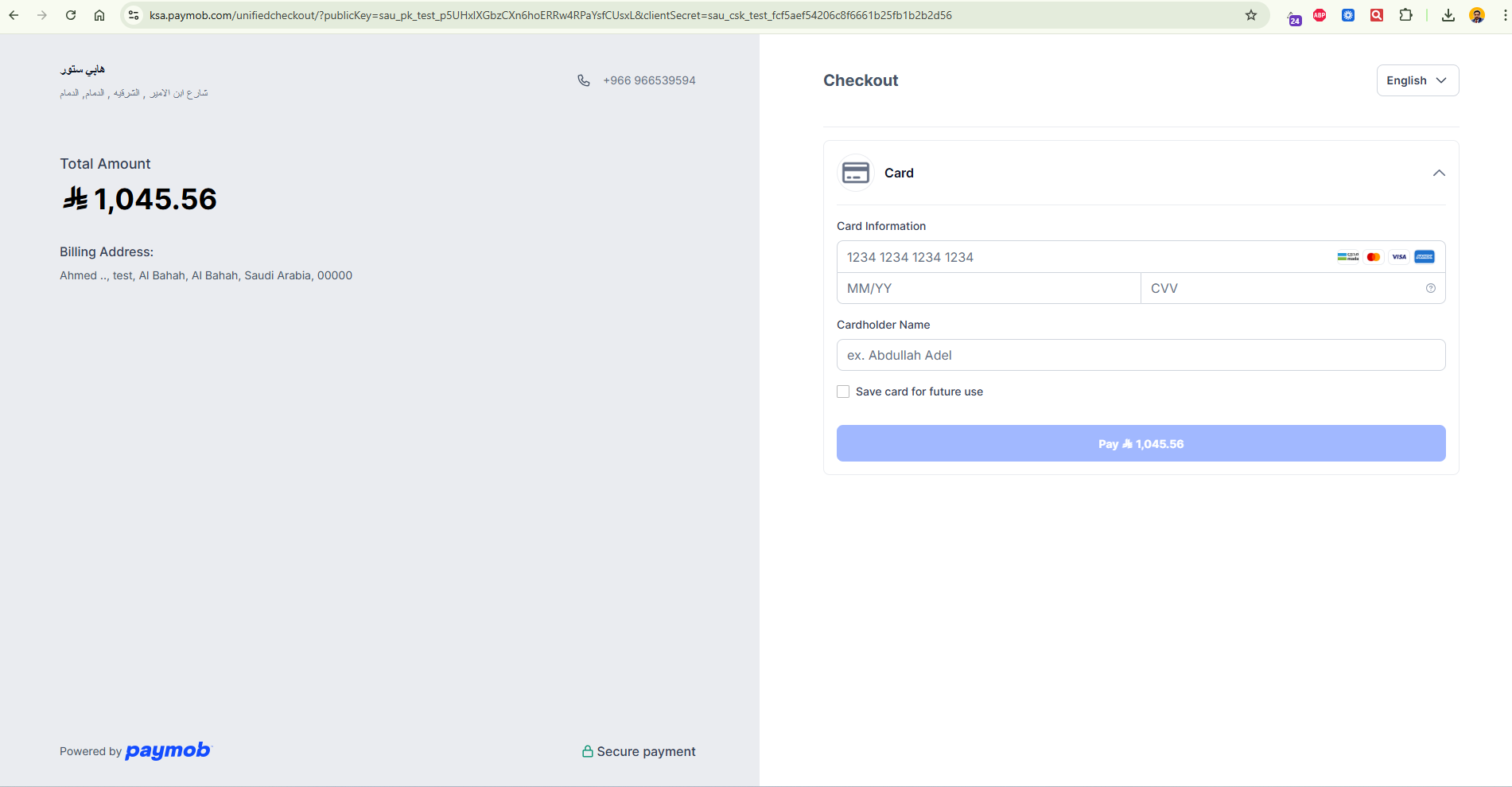
- Checkout with Paymob Unified Checkout
- Response callback handling
- Transaction processed webhook handling
- HMAC validation for callback/webhook requests
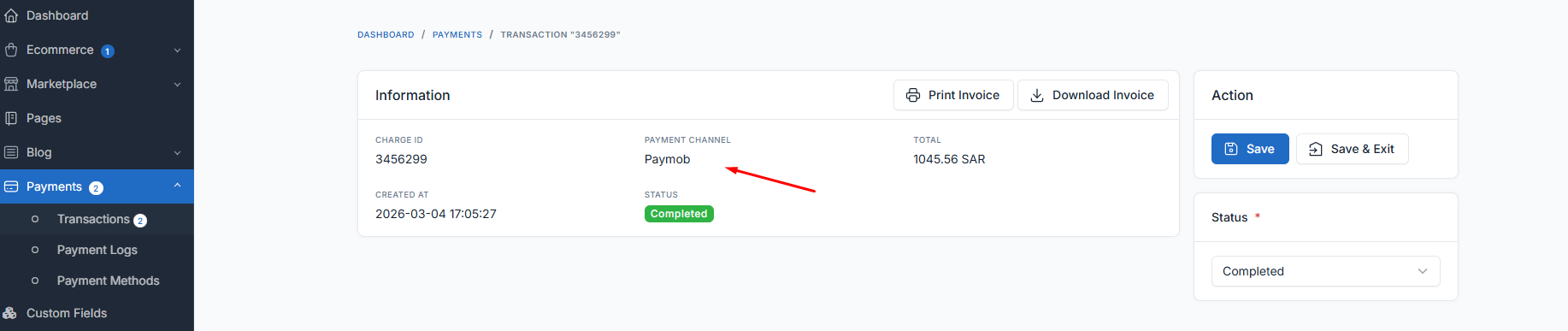
- Payment processing into Botble order/payment flow
- Webhook activity recorded in Payment Logs
Installation
- Copy plugin folder to:
platform/plugins/paymob
- Make sure plugin is registered by Botble plugin system.
- Go to Admin Panel:
Settings -> Payments
- Enable Paymob method.
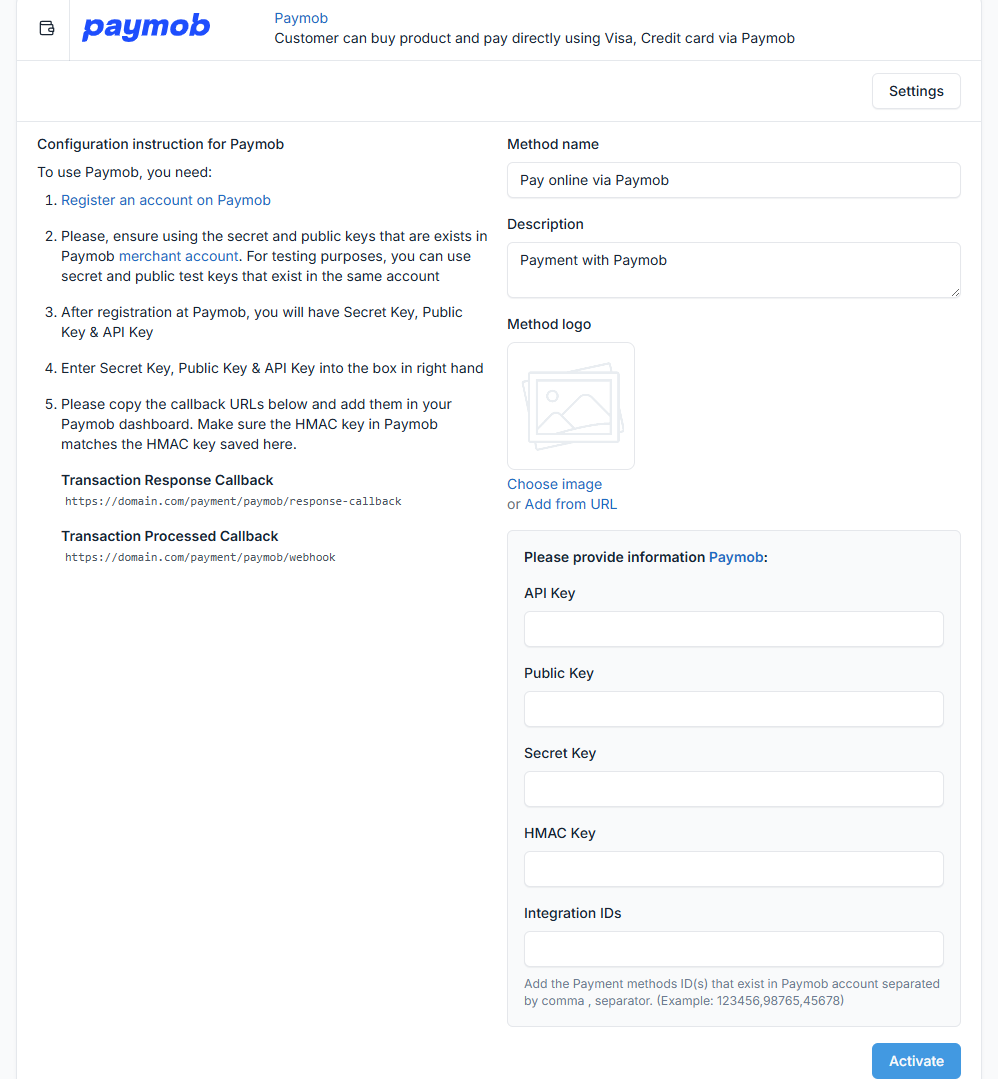
Paymob Configuration (API Keys)
Go to Settings -> Payments -> Paymob and configure:
- API Key
- Public Key
- Secret Key
- HMAC Key
- Integration IDs (comma-separated, example:
12345,67890)
Callback / Webhook URLs
Use these URLs in your Paymob dashboard:
-
Transaction Response Callback (GET)
{{your-domain}}/payment/paymob/response-callback -
Transaction Processed Callback (POST webhook)
{{your-domain}}/payment/paymob/webhook
Legacy route (still available):
{{your-domain}}/payment/paymob/processed-callback
Production Checklist
- Use live Paymob keys (not test keys)
- Confirm Public/Secret keys are from same account/mode
- Set correct Integration IDs from live account
- Set correct HMAC key
- Verify webhook URL is publicly accessible (HTTPS)
- Do end-to-end test with real/sandbox transaction
Logs & Debugging
- Paymob webhook/callback logs are stored in Botble Payment Logs:
Payments -> Payment Logs
- Optional local log file may be used by service layer:
storage/logs/paymob.log
Troubleshooting
- Payment success but order not completed:
- check webhook URL reachability
- verify HMAC key
- verify order ID mapping in webhook payload
- Invalid signature/HMAC:
- confirm exact HMAC secret from Paymob dashboard
- Currency issues:
- use supported currencies configured by plugin and store setup
Security Notes
- Never expose secret/HMAC keys publicly
- Always keep HTTPS enabled in production
- Do not disable webhook signature validation in production
Author
- Ishtiaq Ahmed
Leave a comment
Your email address will not be published. Required fields are marked *
Kindly log in to share your feedback on this plugin.

How do I download it?