New
License Manager
|
Laravel PHP Licenser & Updates Manager - REST API, webhooks, customer portal
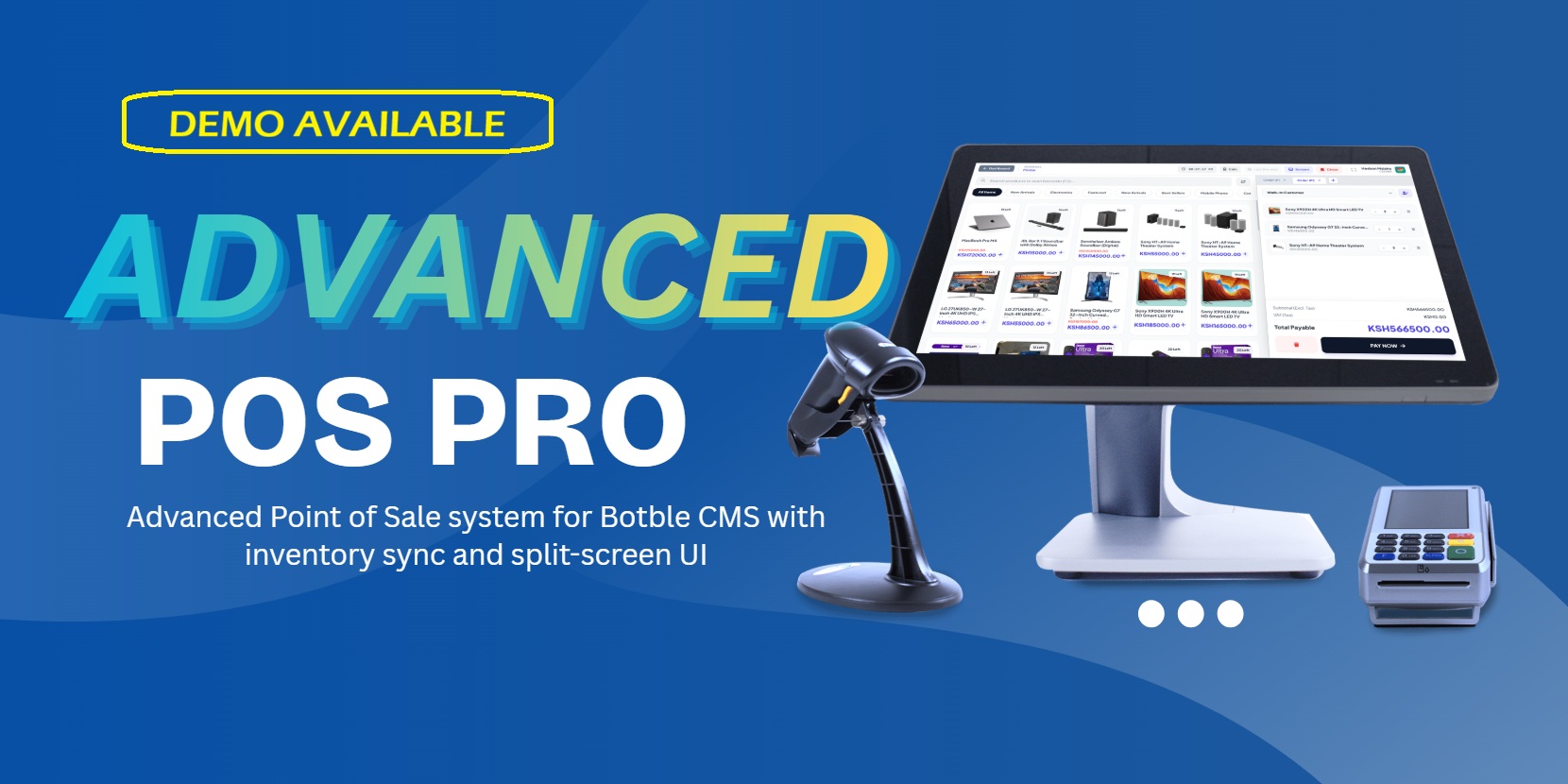
Advanced POS Pro
Plugin
by Motion Media
•
(2)
Advanced Point of Sale system for Botble CMS with inventory sync and split-screen UI.
$55.00
$75.00
Live Demo Link >>> https://erp.motionmedia.co.ke/admin/pos-pro/terminal
Demo username: pos-demo Pass: 123456
View Full Features and Specs here >>> https://pos.motionmedia.co.ke
DOWNLOAD LINK >>> https://paystack.com/buy/advance-pos-pro-botble-plugin-dgknnm
Purchase Links
* You can purchase the plugin directly from either of the links below:
* 👉 https://paystack.shop/motion-media-kenya 👉 (KSH)
* 👉 https://paystack.shop/motion-media-storefront 👉 (USD)
POS Pro - Point of Sale for Botble CMS
Version: 1.1.2
Author: Motion Media

Payment Modal

Add customer

Product Variation Modal

Calculator

Happy Client

**POS Terminal Changelog 1.1.1 **
1. Core Logic & Stock Management
- Variation Stock Accuracy: Fixed the logic where parent products displayed incorrect stock totals. The system now dynamically sums up all variation quantities to show the actual available stock on the catalog card.
- Infinite Stock Handling: Corrected the "Unlimited" logic. If "Manage Stock" is disabled for a product in Botble, the terminal now displays an "Unlimited" badge with an infinity icon and bypasses out-of-stock restrictions.
- Local Stock Sync: Improved the real-time stock adjustment in the browser. Adding or removing items from the cart now instantly updates the "In Stock" count on the product cards without requiring a page refresh.
2. UI & UX Refinement (Variation Modal)
- Modern Redesign: Overhauled the Variation Modal with a clean 45/55 split-view layout.
- Attribute Visibility: Added distinct, color-coded badges for variation attributes (e.g., Color: Red, Size: XL, Weight: 1kg).
- Individual Variation Details: Each variation item now displays its unique SKU, stock status, and price, providing a clearer distinction between options.
- Layout Polish: Added better spacing, bold typography, and hover effects to variation selection cards.
3. Header & Profile System
- Cashier Profile Section: Updated the cashier icon to include the user's name and role for better personalization.
- Interactive Dropdown: Added a hover-triggered profile menu with links to "View Profile," "Change Password," and "Exit Terminal."
- Route Correction: Fixed a critical Laravel
UrlGenerationExceptionby correctly passing the User ID parameter to the Botble profile routes.
4. Currency & Receipt Accuracy
- Multi-Currency Scaling: Fixed the issue where USD transactions generated receipts in KSH. The terminal now converts all values (Subtotal, Tax, Total, and Paid amount) based on the exchange rate before sending data to the backend.
- Dynamic Receipt Metadata: Ensured the
currency_idandexchange_rateare captured during checkout so the generated print receipt matches the cashier's selected currency.
5. General UI/UX Enhancements
- Smart Calculator: Upgraded the calculator with a "History" line that shows the mathematical expression above the result.
- Enhanced Customer Creation: Added a "Physical Address" field to the "New Customer" modal to allow for more complete customer records directly from the terminal.
- Catalog Badges: Implemented smart stock badges:
- Unlimited: For products not tracking stock.
- Low Stock: Amber warning for items with 5 or fewer units.
- Out of Stock: Red badge with grayscale effect for unavailable items.
- Dark Mode Support: Refined dark mode colors across all new modals and dropdowns for a consistent "Night Mode" experience.
6. Bug Fixes
- Resolved the 404 error on the "Edit Profile" link.
- Fixed the
variation_idmapping to ensure the backend correctly deducts stock from the specific variation sold rather than the parent product. - Corrected the "Change Due" calculation for secondary currencies.
Installation:
- Go to Admin > Plugins > Add New.
- Upload pos-pro.zip.
- Activate.
- Enter your License Key (See Documentation).
Support: [email protected]
Leave a comment
Your email address will not be published. Required fields are marked *
Kindly log in to share your feedback on this plugin.

Thanks for the clarification, eagerly waiting for the MPESA payment auto confirmation feature in the next update

It support multiple vendor

Yes, the system has multi vendor support