Laravel PHP Licenser & Updates Manager - REST API, webhooks, customer portal
Automatic Product Mapping
PluginOverview
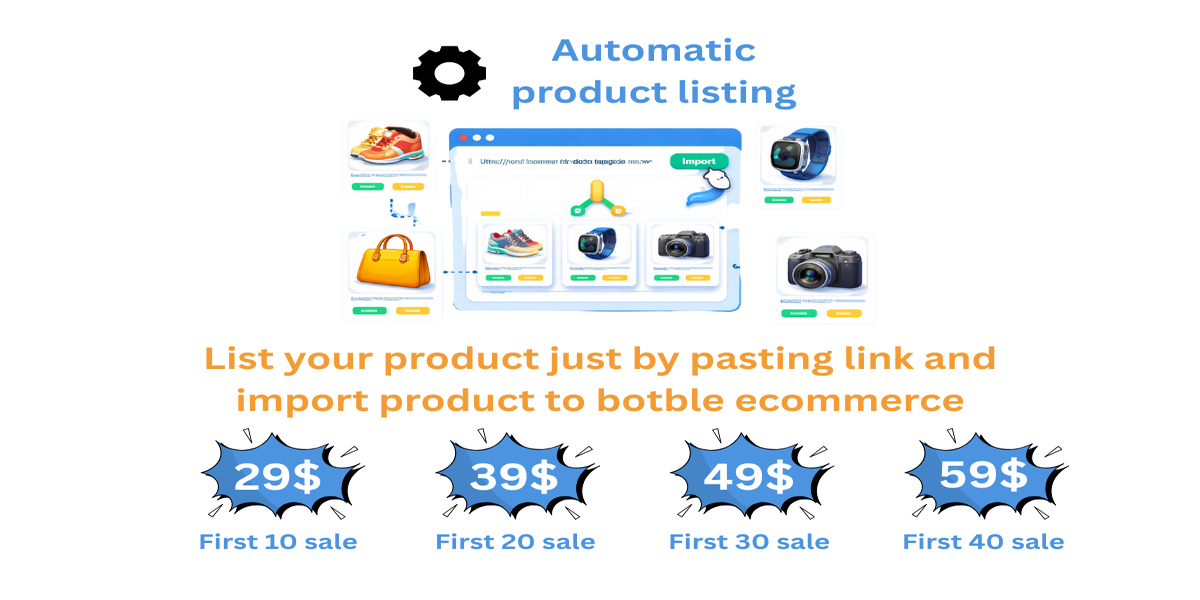
Automatic Product Mapping is a powerful time-saving plugin for Botble CMS eCommerce that allows store admins to add products simply by pasting a product link.
Instead of manually uploading images, entering prices, selecting categories, and filling brand details, this plugin automatically fetches product data from the provided URL and prepares it for listing in your store within seconds.
Key Features
✅ Add products using just a product URL
✅ Automatically fetches:
Product images
Product price
Category
Brand (if available)
Stock (By default 12)
✅ Admin can review and edit product details before publishing
✅ Seamlessly integrates with Botble eCommerce
✅ Reduces manual work and saves hours of admin time
✅ Simple installation and easy-to-use admin interface
How It Works
Download and upload the plugin to your Botble installation.
Go to Admin Panel → Plugins.
Click Activate on Automatic Product Mapping.
In the admin sidebar, you will see “Autoproduct Mapping”.
Click Autoproduct Mapping → Add Product by Link.
Paste the product URL.
Click Add Product.
Review and edit product details if required.
Click Final Add Product.
The product will be listed in your eCommerce store.

Why Use This Plugin?
🚀 Saves time by eliminating manual product entry
📸 No need to manually download/upload images
🛒 Faster product listing for large catalogs
👨💻 Perfect for admins managing multiple products daily
Important Notes & Cautions
⚠️ This plugin may not work with large brand websites such as Amazon, Flipkart, or similar platforms due to their strict security and anti-bot protections.
⚠️ For best results, always try to fetch products from small or medium-sized websites.
⚠️ No guarantee of bug-free operation on all websites.
⚠️ No guaranteed future updates. Updates will be provided only when available.
⚠️ By purchasing this plugin, you agree that it is provided as-is.
Plugin Status
✔️ Plugin has been uploaded and tested
✔️ Working properly on supported websites
Support
For any support or queries, please contact us at: 📧 [email protected]
Support the Author
If you find this product helpful, consider supporting the developer.
Bank Information
Bank Name- Wio Bank IBAN: AE040860000009582249758 ACCOUNT NUMBER: 9582249758 ACCOUNT NAME: MARYAM INTERNATIONAL LLC, Country United Arab Emirates
PayPal
@MohammadAqib951Scan QR Code
Leave a comment
Your email address will not be published. Required fields are marked *